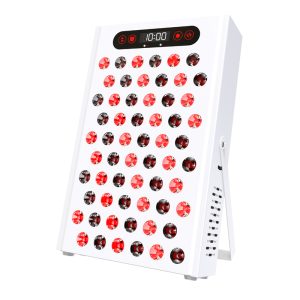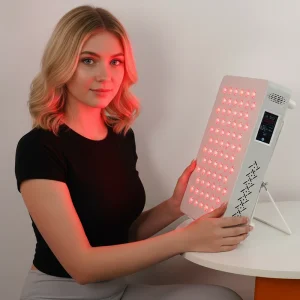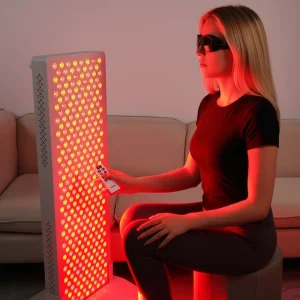
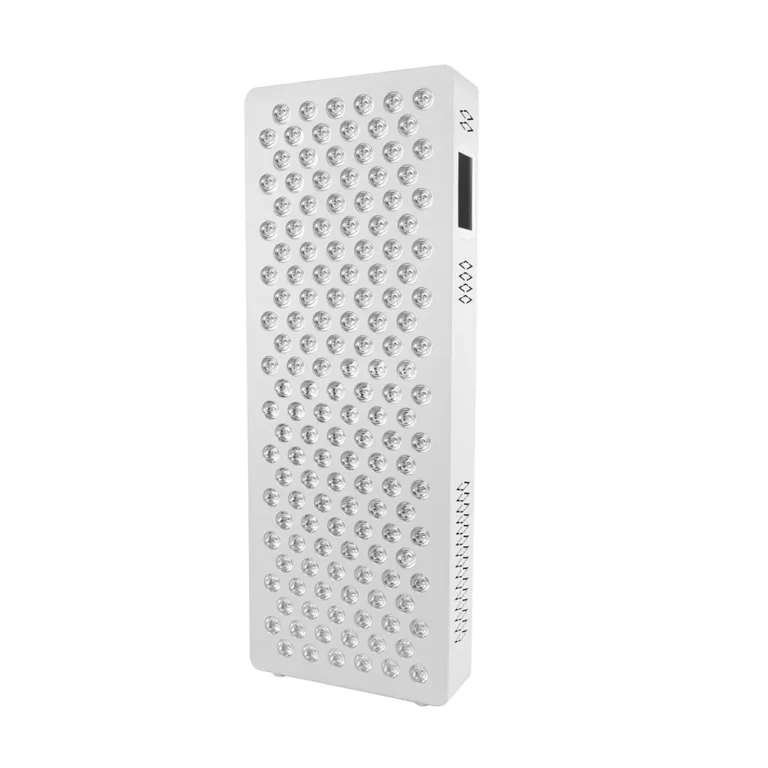
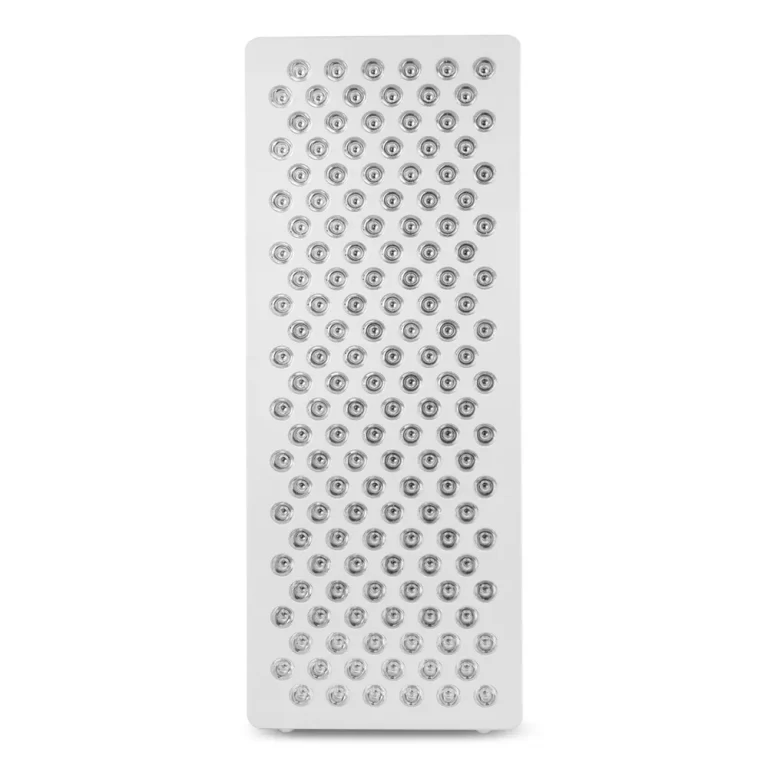
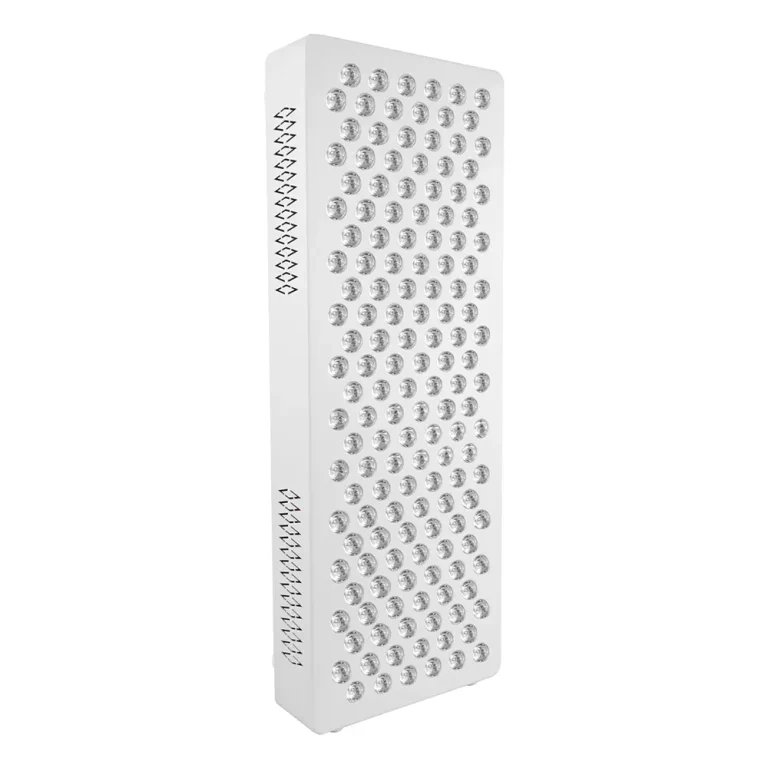
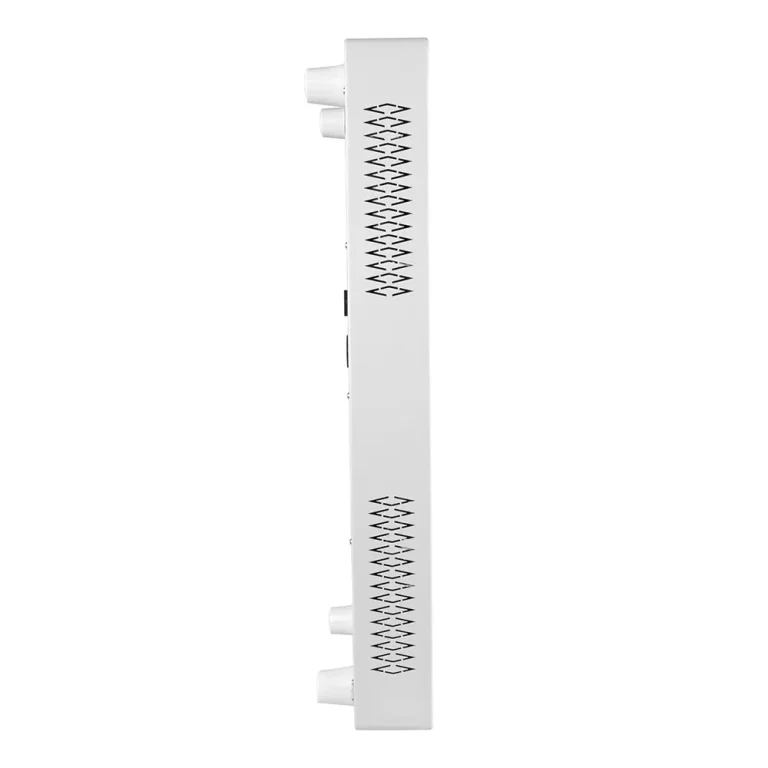
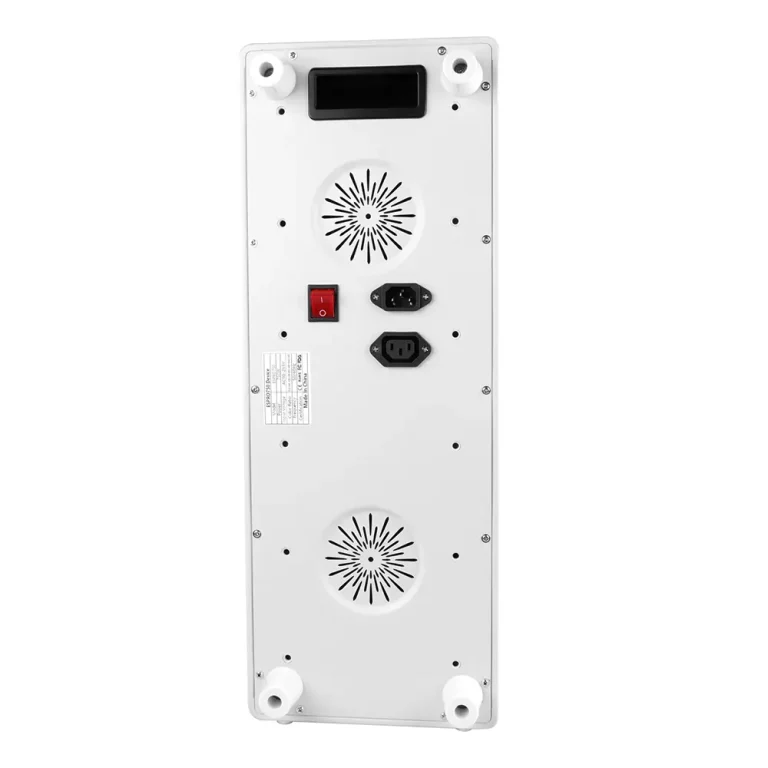
ESPRO750 Smart Commercial Red Light Panel with APP Control | Custom OEM/ODM Solutions
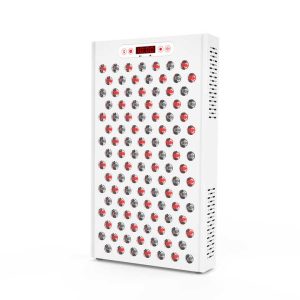
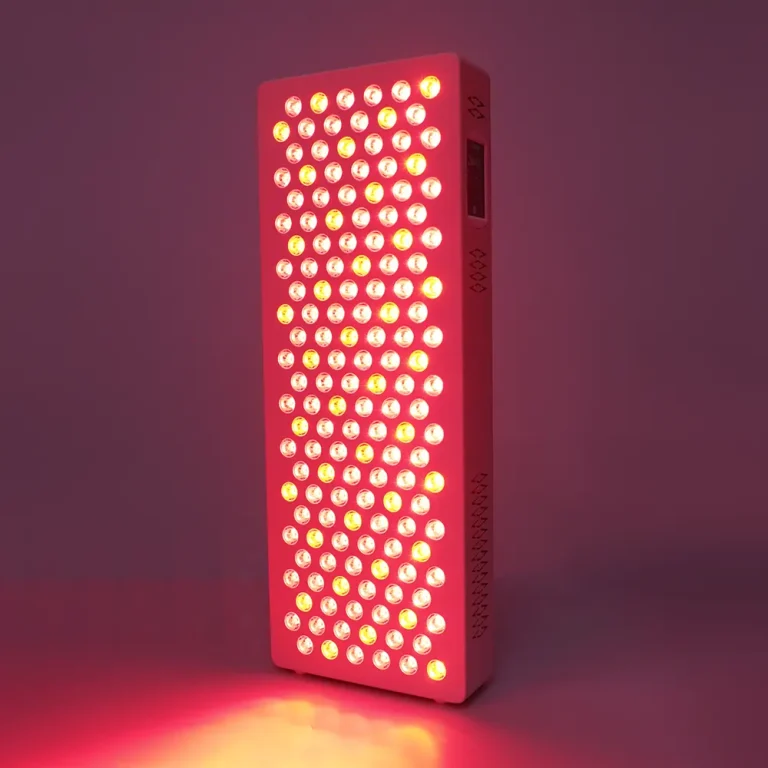
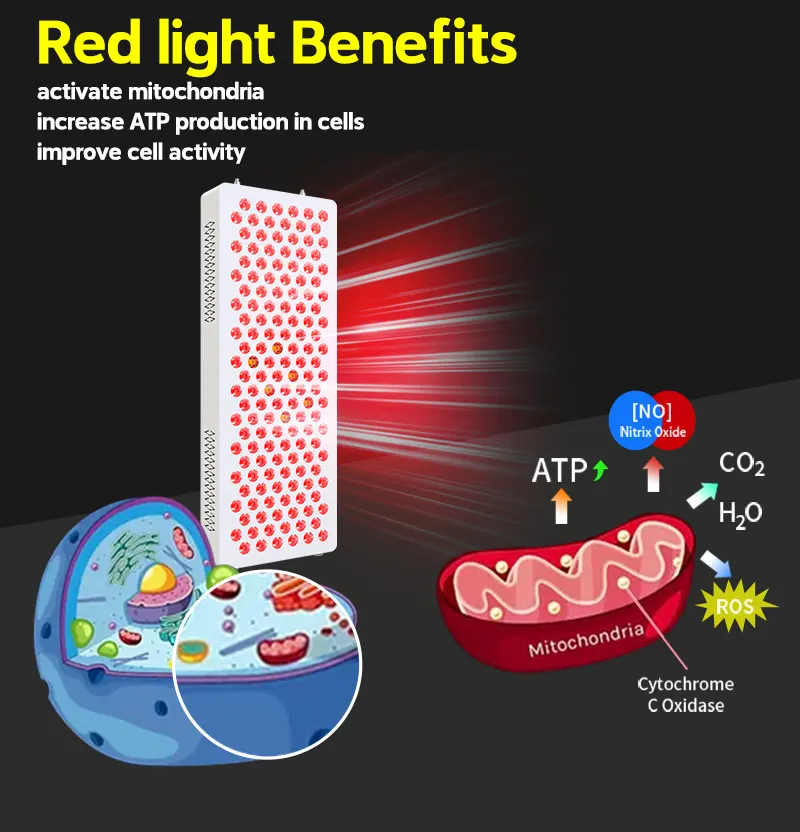
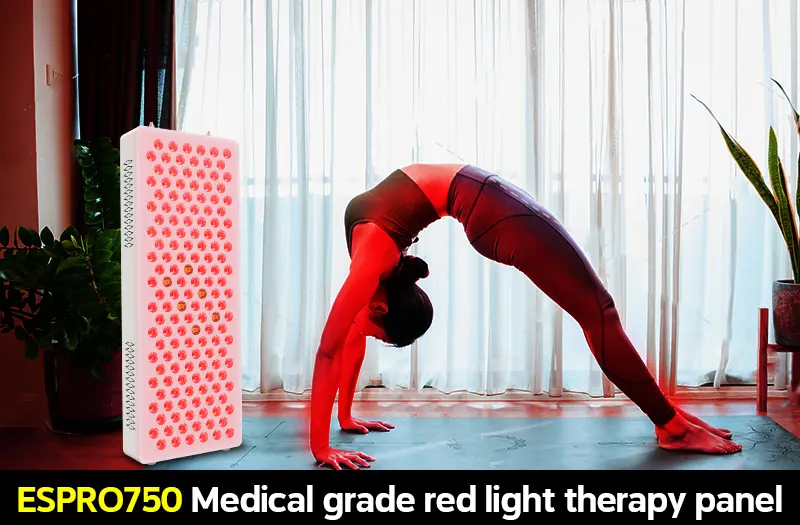
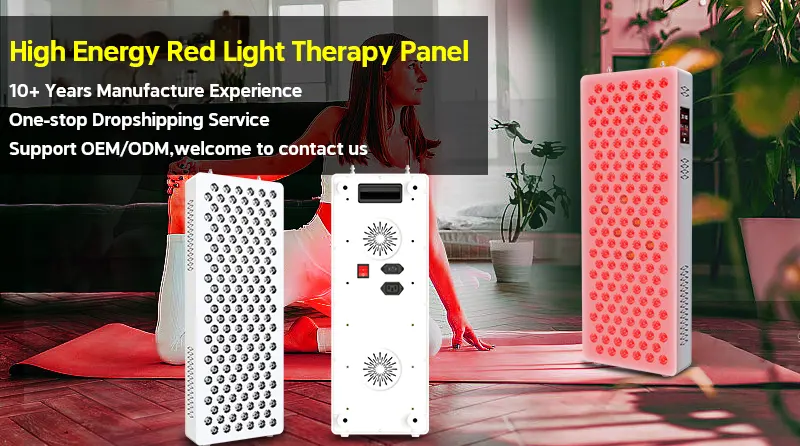
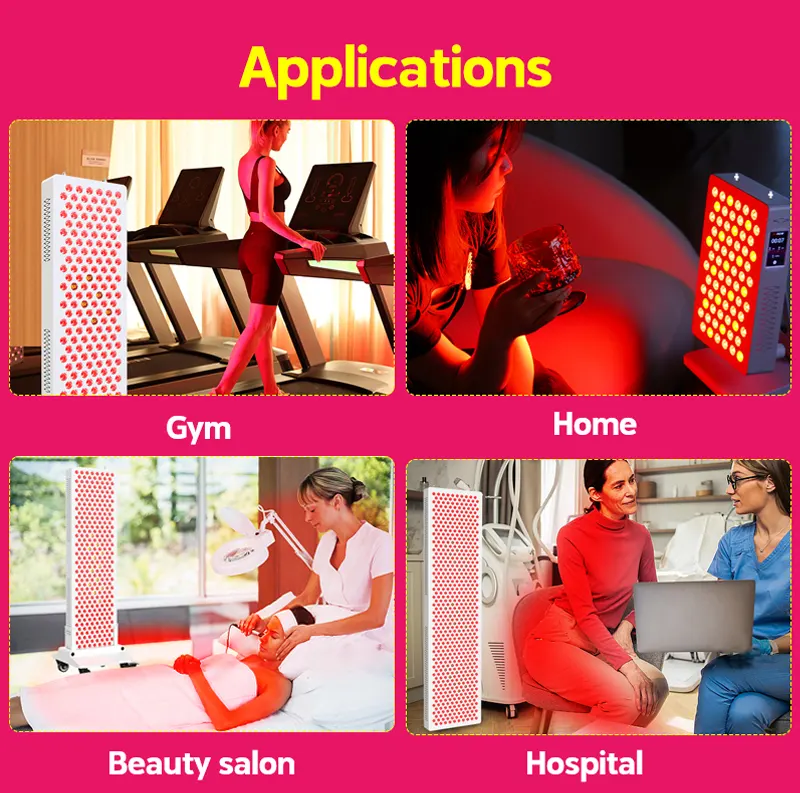
The ESPRO750 is a 280W commercial-grade red light therapy panel designed for wellness businesses. It features smart APP & touch screen control for efficient operation, delivers >150mW/cm² high irradiance, and is backed by a 5-year warranty. We offer full OEM/ODM customization, from wavelengths to branding, to perfectly match your commercial needs.
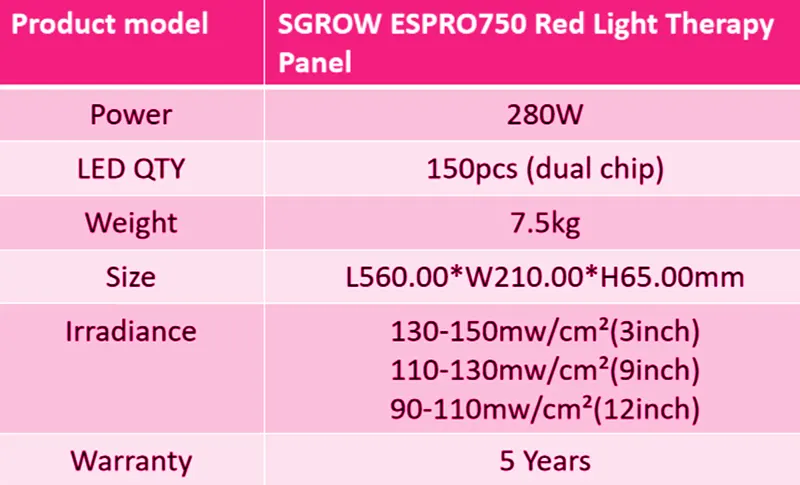
| Power | 280W |
|---|---|
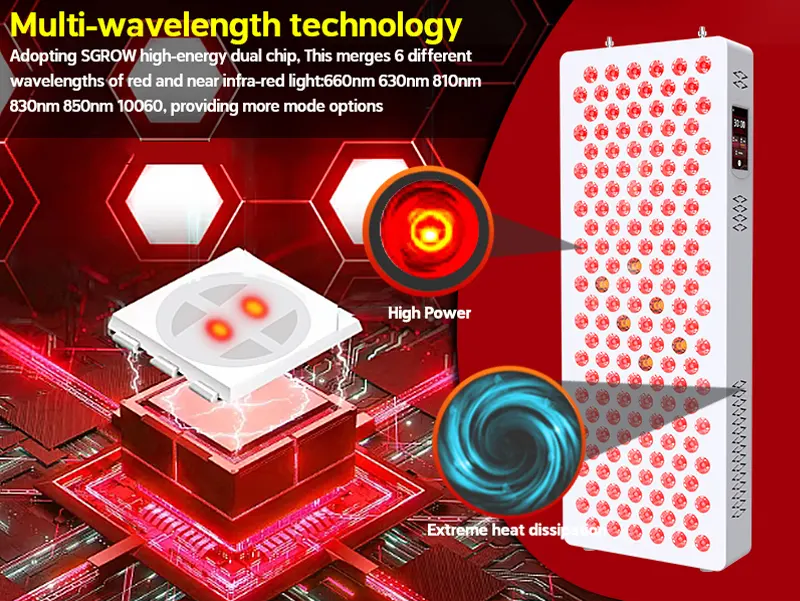
| Wavelength | 660nm:630nm:810nm:830nm:850nm :10060nm=450:150:126:300:24 |
| Input voltage | AC100~240V |
| Color Ratio | Red light + Near infrared light (Accept customized) |
| Size | L560.00*W210.00*H65.00mm |
| LED Qty | 150 pcs (dual chip) |
| Beam Angle | 60 Degrees |
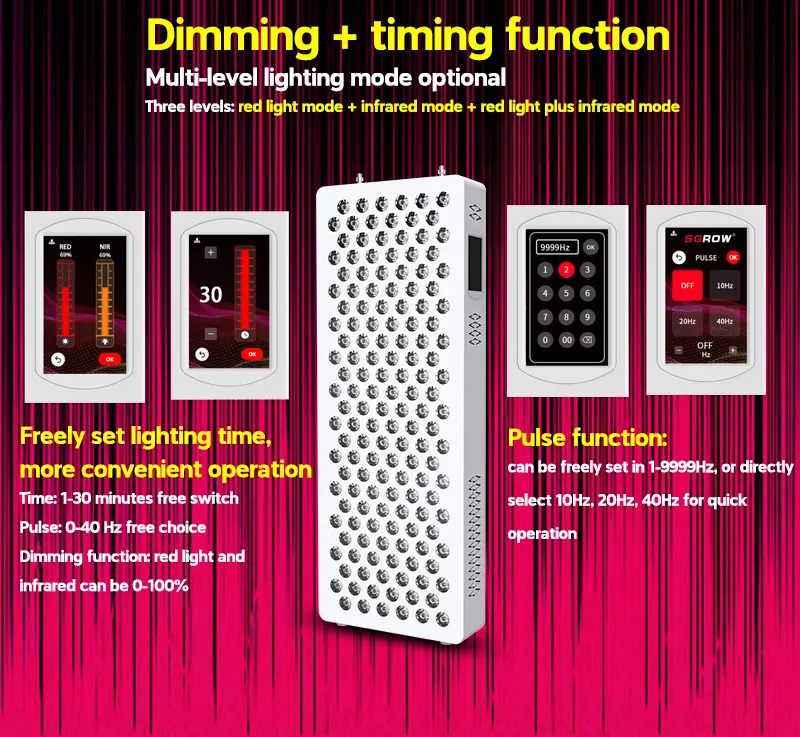
| Time & LED Control | Yes (Add Pulse + Dimmable) |
| Working Frequency | 50/60 Hz |
| Work Temperature | -20°-40° |
| N.W | 7.5 KG |
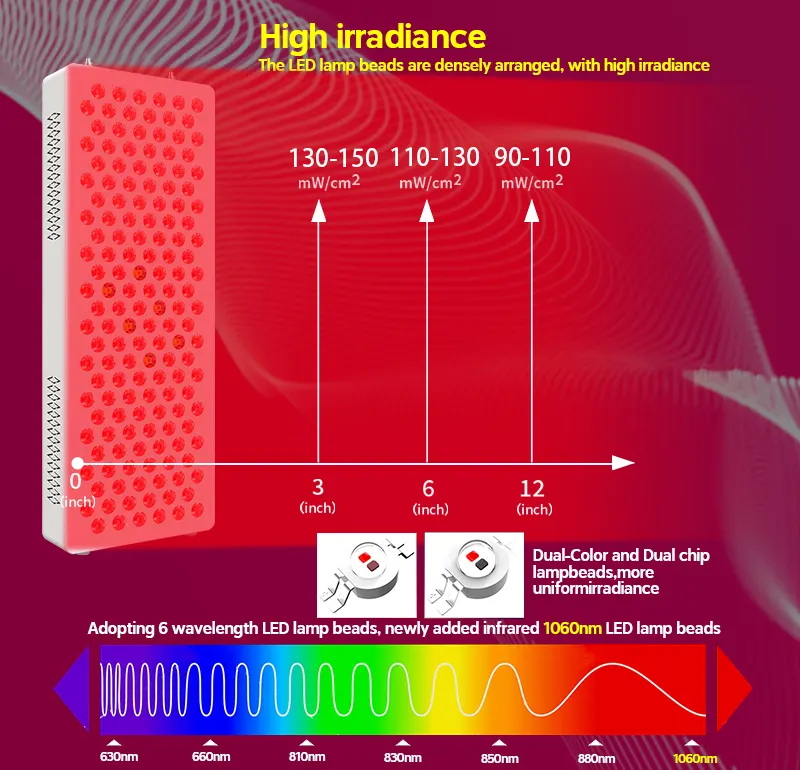
| Irradiance | >150+mw/cm2(3Inch) |
| Warranty | 5 Years |
| Lifespan | 50,000 hrs |
The products are built to these standards and the testing has been completed. Final Certification of the 60601 standards to be completed with UL March 2026.
- IEC 60601-1-2 (EMC Compatibility)
Confirms the device operates safely and reliably even in the presence of electromagnetic disturbances, and does not interfere with other electronics . - IEC 60601-2-83 (Particular Safety Requirements for Home Light Therapy Equipment)
Specific certification for red and near-infrared light therapy devices used in home settings, validating skin safety, UV/IR emission limits, labeling, and usability. - IEC 60601-1-6 (Usability Engineering)
Assures intuitive and safe user interface design based on usability risk analysis and user testing to minimize use-related errors. - IEC TS 60601-4-2 (Performance in Home Healthcare Environments)
Validates performance and immunity of the device in residential settings under real-world conditions including power surges, ESD, and RF exposure .
All Sizes
- BSCI
- ISO 13485
- FDA510K
- ISO9001
- ISO14001
- ISO45001
- MDSAP
- TGA
- MDL
- SGC
- FC
PRODUCT SPECIFICATIONS
ESPRO Series - Red Light Therapy Devices
| Model | ESPRO360 | ESPRO750 | ESPRO1500 | ESPRO3000 |
|---|---|---|---|---|
| Wavelength | 630nm : 660nm : 810nm : 830nm : 850nm : 1060nm | 630nm : 660nm : 810nm : 830nm : 850nm : 1060nm | 630nm : 660nm : 810nm : 830nm : 850nm : 1060nm | 630nm : 660nm : 810nm : 830nm : 850nm : 1060nm |
| LED Quantity | 72 pcs | 150 pcs | 300 pcs | 600 pcs |
| LED Chip | Dual Color + Dual Chip | Dual Color + Dual Chip | Dual Color + Dual Chip | Dual Color + Dual Chip |
| Weight | 4.5 KG | 7.5 KG | 11.5 KG | 18.5 KG |
| Product Size | L330.00*W210.00*H65.00mm | L560.00*W210.00*H65.00mm | L868.00*W252.00*H65.00mm | L1306 * W330 * H65 mm |
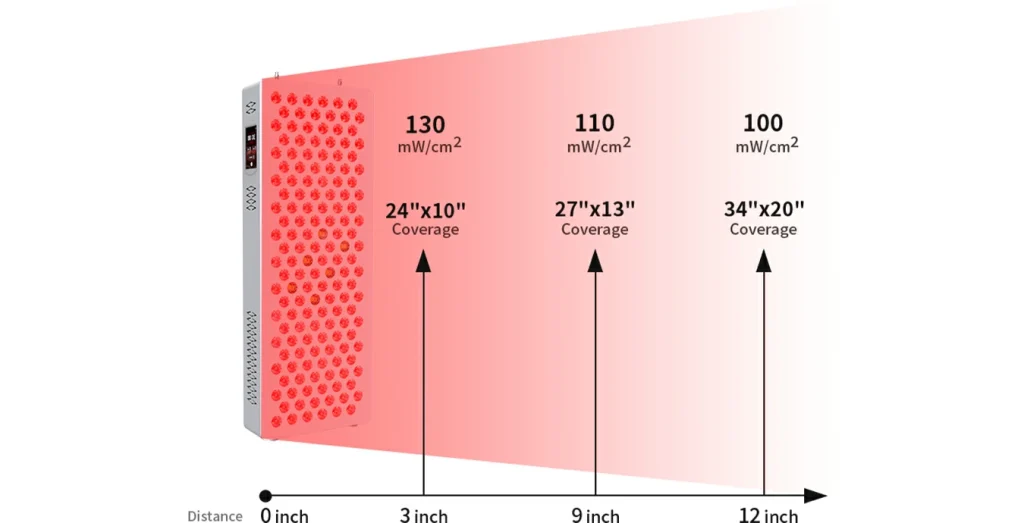
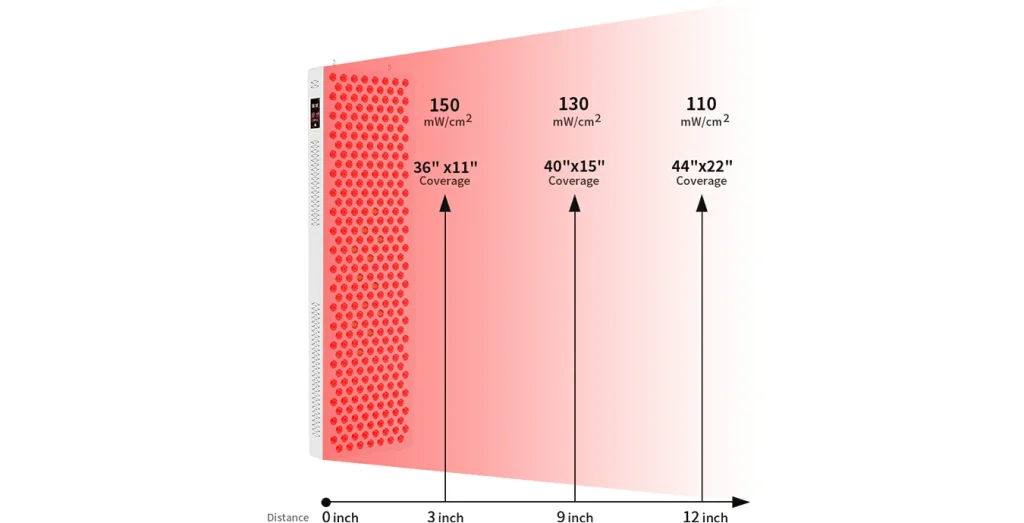
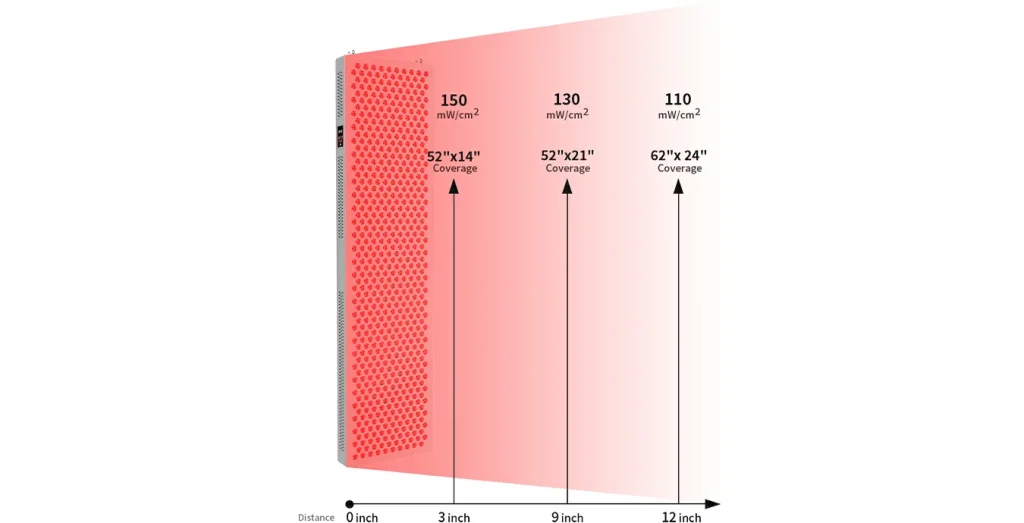
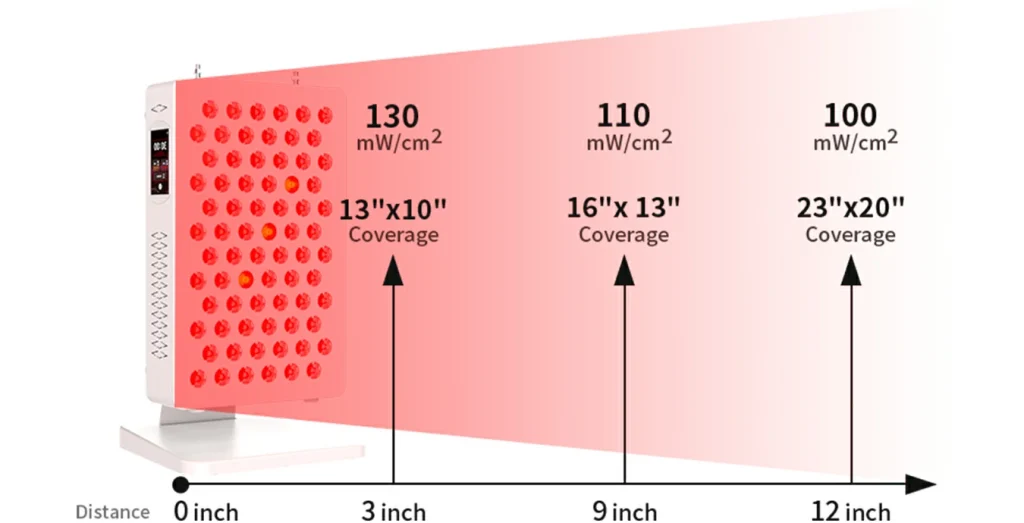
| Irradiance | 130 mW/cm² | 130 mW/cm² | 150 mW/cm² | 150 mW/cm² |
| Working Voltage | 100-240V~AC 50/60HZ | 100-240V~AC 50/60HZ | 100-230V~AC 50/60HZ | 100-240V~AC 50/60HZ |
| Beam Angle | 60° | 60° | 60° | 60° |
| Best For | Target Treatment | Full Body Treatment | Full Body Treatment | Full Body Treatment |
Note: All ESPRO models feature multiple wavelengths for comprehensive red light therapy. The higher LED count models (ESPRO1500 and ESPRO3000) provide greater coverage and higher irradiance suitable for full-body treatments.
Irradiance & Coverage
ESPR0360
ESPRO750
ESPR01500
ESPR03000
HOW TO USE YOUR DEVICE
1. Timing Function: 0-30 minutes
Click the timing function key, press the +/- to adjust the time, you can also drag the time bar to adjust the time. The maximum time is 30 minutes.
2. Brightness Adjustment Function: 0-100% brightness
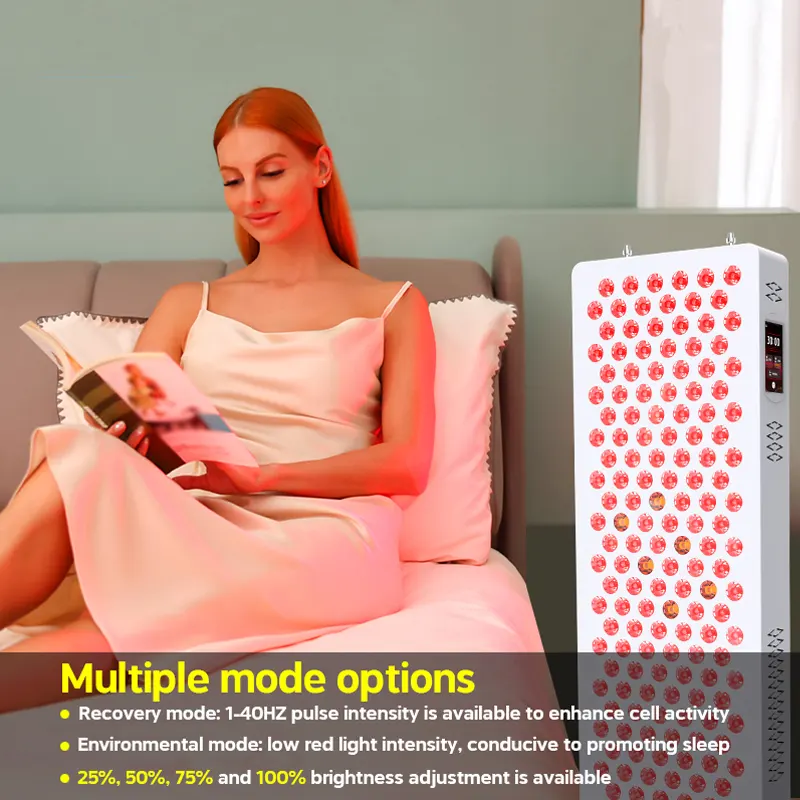
The brightness can be adjusted between 100%, 75%, 50%, and 25% brightness, and the RED and NIR brightness bar must be adjusted separately.
3. Pulse Function: 0-9999 Hz
The parameters that can be adjusted are 0-9999 Hz, of which there are four shortcut keys that can be set with one touch, OFF, 10 Hz, 20 Hz, 40 Hz. OFF is no pulse. Click on the +/- at the bottom of the screen to adjust the parameters, or click on the middle number to go to the interface of num beric key to free setting numbers, and finally click OK to complete the setup. Note: Only NIR has pulse mode.
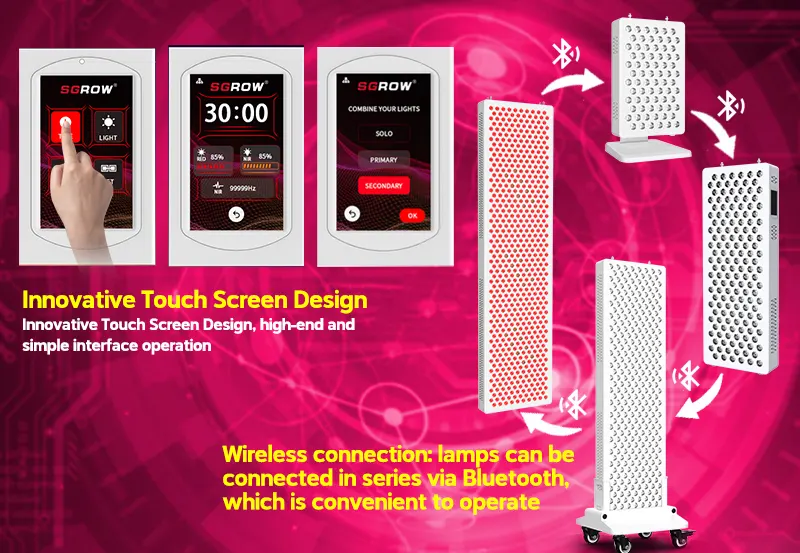
4. Multi-Unit Connection: Solo mode, Primary mode, Secondary mode
Click the 【SET】multi-unit connection setting, then enter the multi-unit connec tion setting interface: solo mode, primary mode, secondary mode.
SOLO button:This mode is the solo mode, when this mode is selected, this lamp does not have a link with any lamp.
PRIMARY button:This is the primary mode, that is, when this mode is selected, the unit is set as the main unit to control other series-connected units (of course, it can also be the unit itself).
SECONDARY button:This is the secondary mode, when this mode is selected, the control of this unit will be controlled by the main unit connected with it. There can only be one main unit, the secondary lamp can be one or more. When you click the PRIMARY key on the main unit and press the OK key, it will enter the numeric key interface, this interface is to set the specific serial pairing, that is, the selected number of all the serial connected lamps must be the same, otherwise it can't be paired. For example: when the main unit selects the number "2", the secondary unit connected to it clicks the SECONDARY button presses the OK button, and enters the numeric key interface, it must also select the number "2", otherwise it can not be paired. Such as when the main, and vice unit are selected "2", press the OK button, and then the main, and vice unit serial pairing is completed. Operation of the main unit's control interface, you can control the main and vice unit at the same time (such as timing, brightness, pulse, etc.). You can also control the main and auxiliary unit and open it, the main unit is open the serial unit is open, and the main unit is turned off. Multi-unit connection mode also has a memory function, such as if power fails and the next time you power on, this mode remains unchanged. The vice unit will directly enter the pairing interface
OEM/ODM
We specialize in designing and manufacturing premium LED red light therapy devices tailored to your brand’s unique needs. Backed by strong R&D capabilities and stringent quality control, we deliver innovative, market-driven solutions that align with your positioning—from custom wavelengths to bespoke designs.
Whether you choose OEM or ODM, we offer a seamless, one-stop solution—covering everything from concept to delivery.
FAQ
Q: How long should I use the device for?
A: A: Consistency and correct use are the keys to
effective red light therapy. In order to use IT’s LED
therapy lamp to achieve the best effect, please follow
the following basic health benefits: • Position
yourself about 15cm away from the device • Expose
your skin for best results • Approximately 10 minutes
of treatment time per covered area, which can be
used every day.
Q2: When can I expect results?
A: Results vary depending on goals and treatment consistency. With that being said, many people will experience benefits such as increased muscle recovery, relief of pain and increased wound healing relatively quickly. However, more systemic benefits such as enhanced skin health, increased energy, improved hormonal health and increased quality of sleep may take 8-12 weeks of consistent use. Using your device every day will maximize the rate of response and healing. It is very important to be consistent with red light therapy.
Q3. Should I wear eye protection?
A: Eye protection is not required or necessary. However, we don’t recommend looking directly at the LEDs because it can sometimes be uncomfortable. With that said, your eyes typically become accustomed to the light and it is then OK to open your eyes, as long as you don’t feel uncomfortable.
Q4. Does red light therapy interfere with the medications?
A: Red and near infrared light therapy has been proven in thousands of clinical studies and peer reviewed clinical trials to be not only safe but also effective. However, if you use medications such as Tetracycline, Digoxin, Retin A, and/or other photo sensitizing drugs, we recommend consulting with your doctor or health care provider before using the device.
Q5. Why aren’t the infrared LEDs working?
A: I can’t see them. Near infrared (NIR) light is actually not visible to the naked human eye. It is outside of the visual spectrum, and as a result, it cannot be seen. However, there is a very slight glow that comes from the LEDs, especially in dark conditions, so if you are concerned the NIR LEDs are really not working, you can test them that way.
Q6. How long should I use the device for?
A: Position yourself about 20cm from the device. Expose your skin for best results. Approximately 10-20 minute treatment times per coverage area. Daily use is ideal, any time of day. 2 – 14 times one week, repeat on areas if desired. Use it for 6-8 weeks until results are felt.
Q7. Can children use the device?
A: Yes, children can use the device under adult supervision. Never use the device on infants, though. If a child is older than 12 years old, they may follow the previously referenced treatment times. If a child is younger than 12 years old, they should opt for half the dose that would be recommended for adults.
Q8. Can I wear clothing during my treatment sessions?
A: Of course, just make sure that the area that you’re treating is completely exposed.